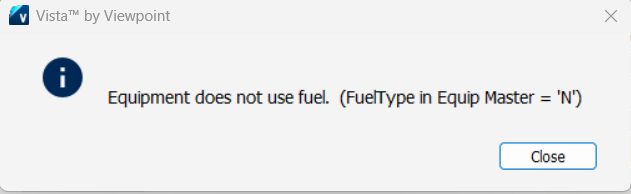
1-Go to Equipment Management>Programs>EM Equipment
2-Navigate to the Equipment that received the warning
3-Go to the Add'l Info tab
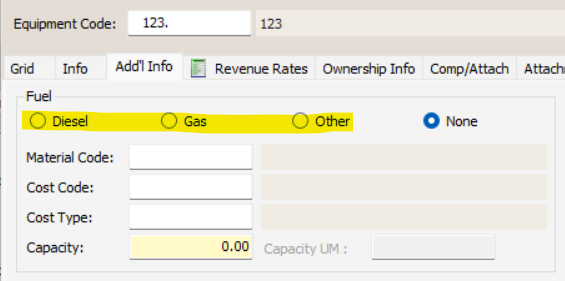
4-Select the Fuel Type
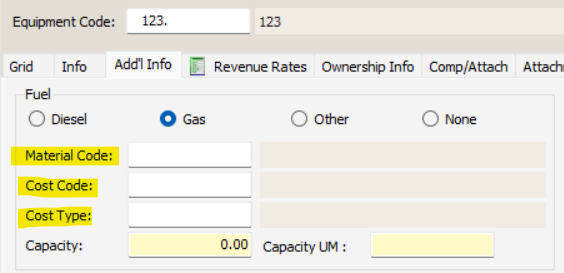
5-Optional: Enter a Material Code, Cost Code, and Cost Type to override the default in EM Company Parameters
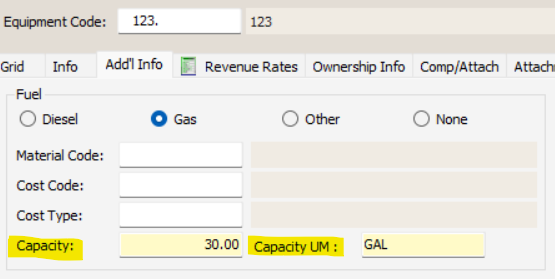
6-Enter the Fuel Capacity and the Capacity unit of measure
Was this article helpful?
That’s Great!
Thank you for your feedback
Sorry! We couldn't be helpful
Thank you for your feedback
Feedback sent
We appreciate your effort and will try to fix the article