Creating Security Groups in Vista
Objective
This SOP outlines the steps to create security groups in Vista, ensuring proper access management within the system.
Key Steps
1. Accessing Security Groups 0:00
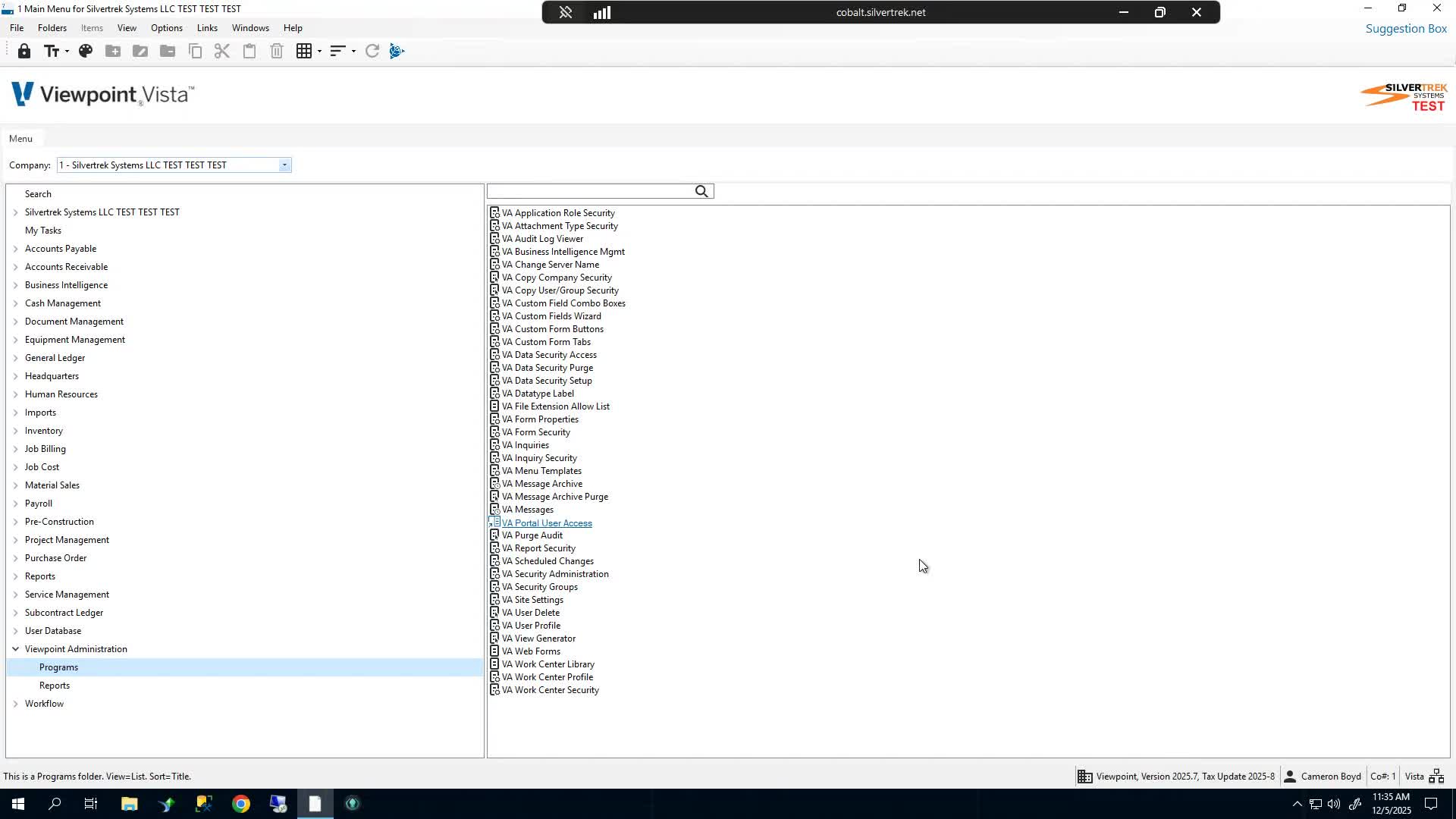
Log into Vista.
Navigate to V-A-S (Viewpoint Administration Programs).
Open the Security Groups section.
2. Understanding Security Group Types 0:21
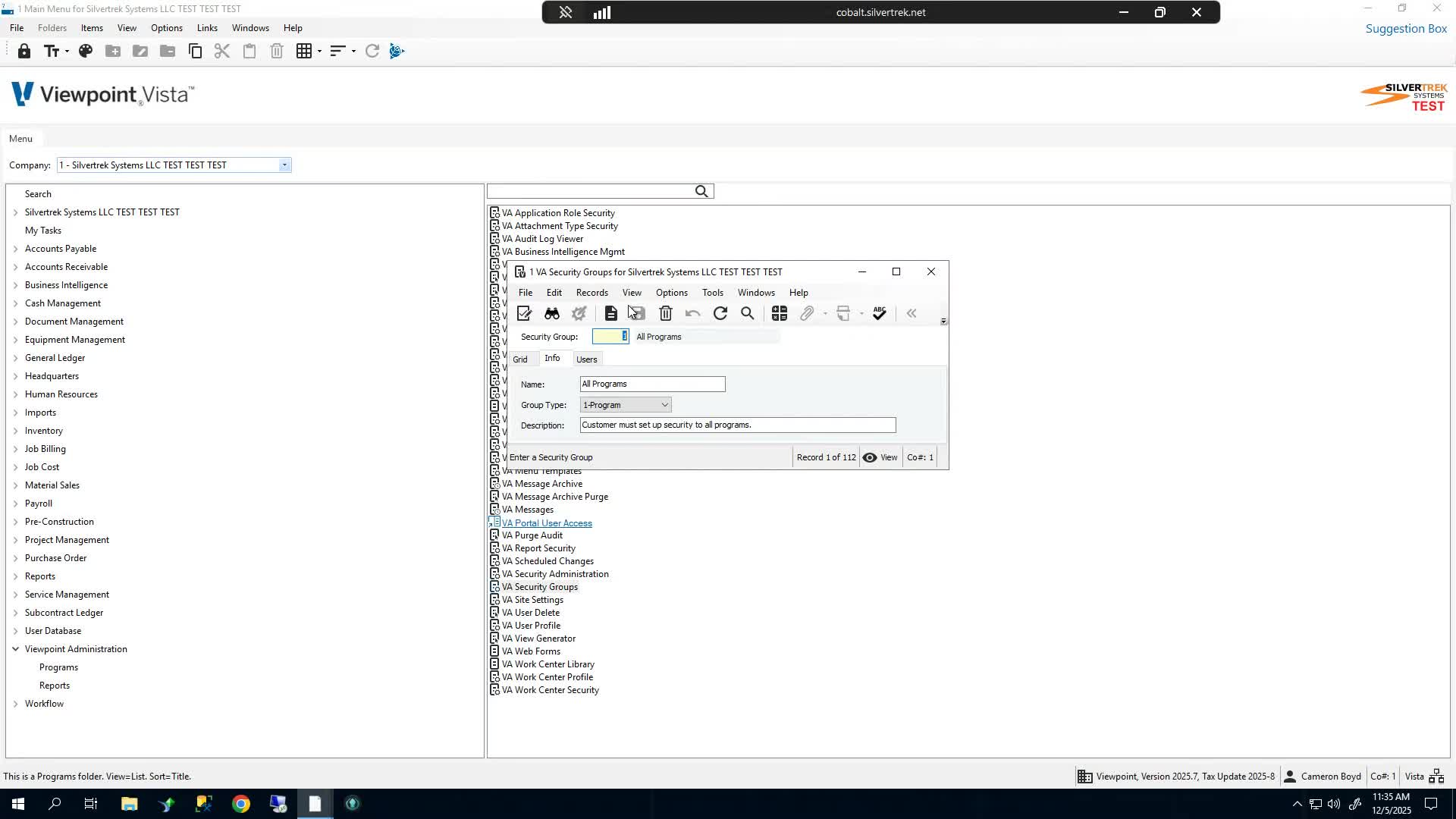
There are four types of security groups you can create:
Data
Program
Reports
Attachment
Plan to create one of each type.
3. Creating a Security Group 0:42
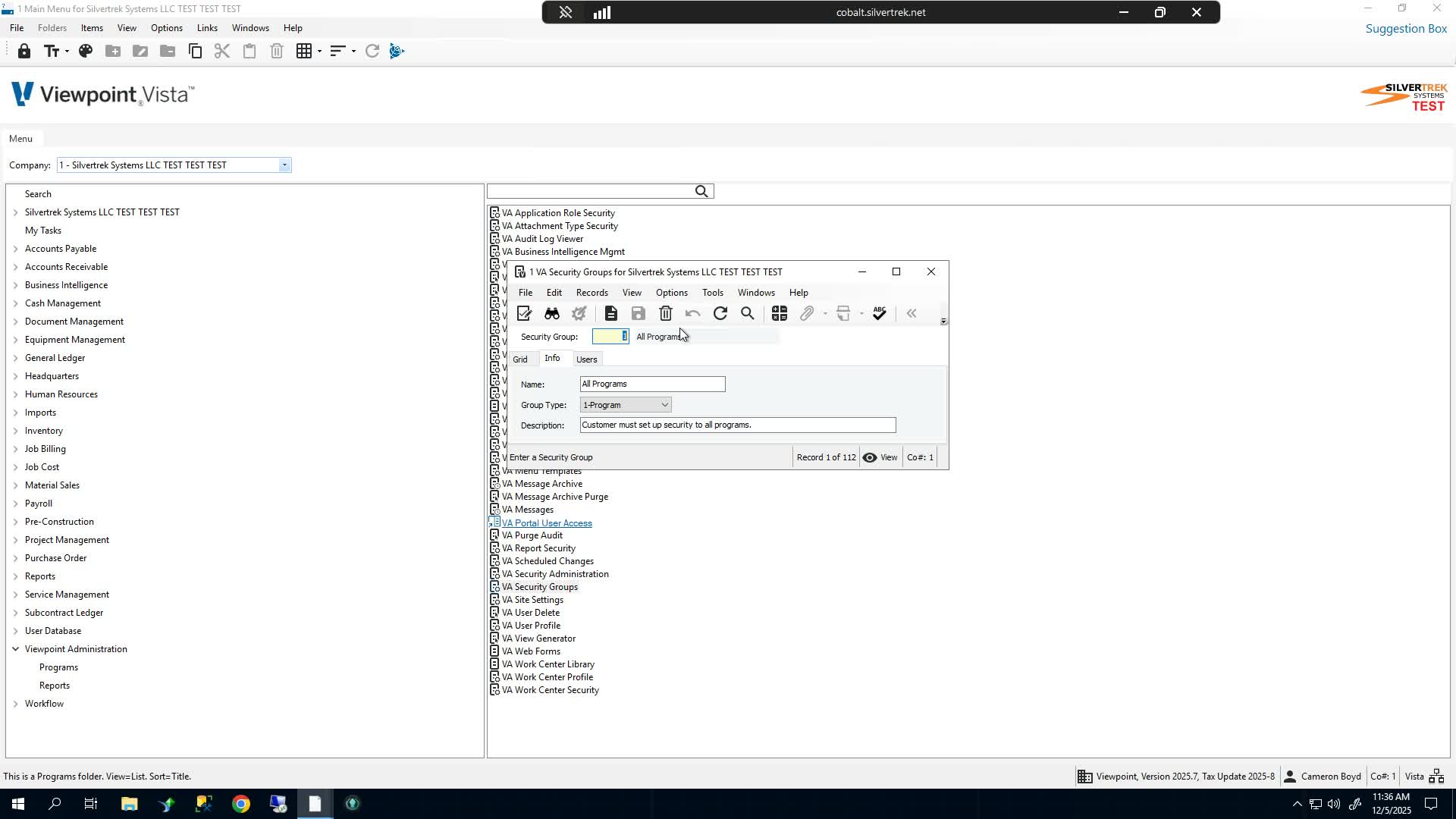
Assign a unique number to the security group (any positive integer up to seven digits).
Example: 5000
Choose a descriptive name for the group.
4. Adding a Description 1:07
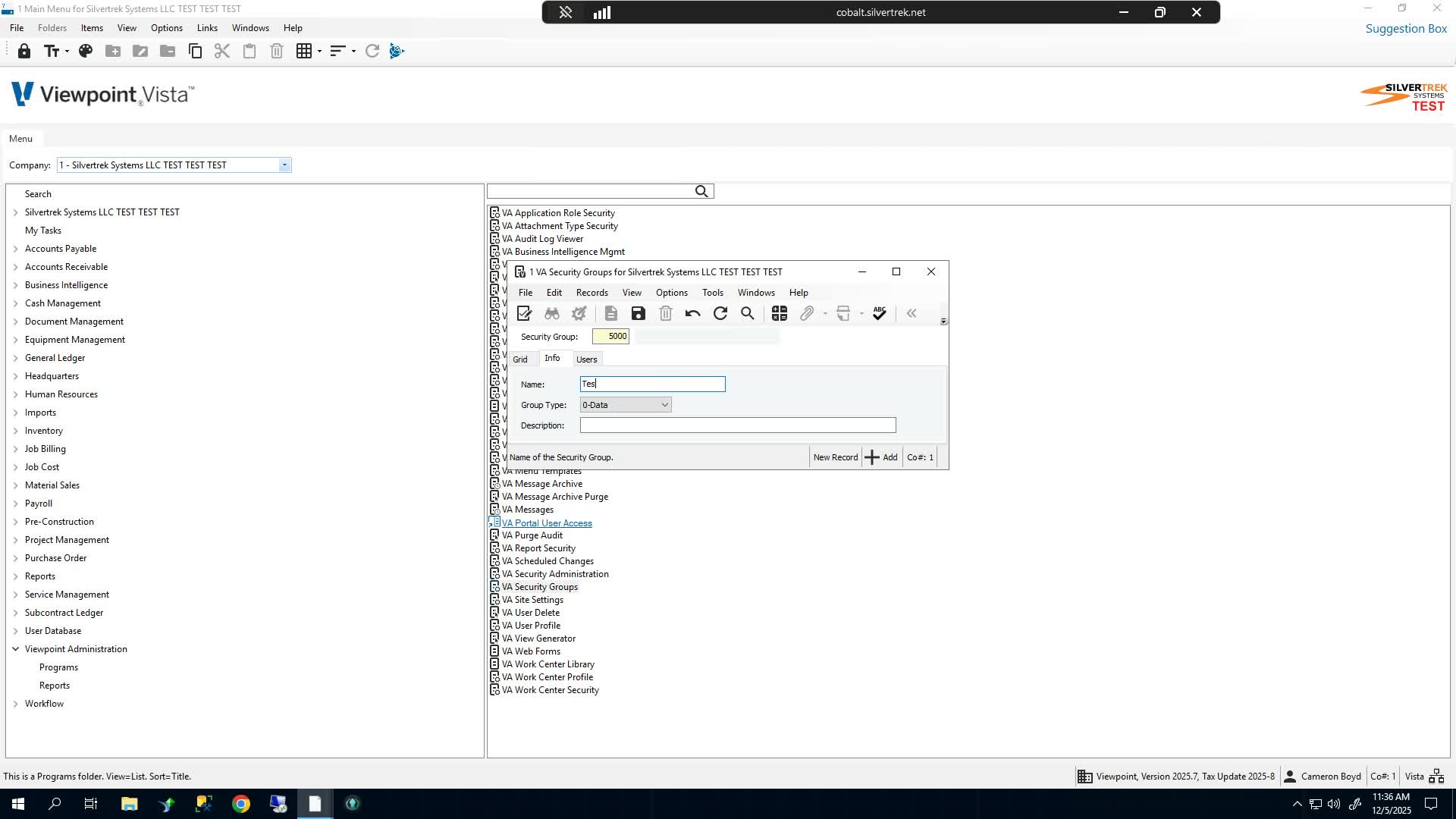
Optionally, add a description for the security group.
This can be the same as the name or a more detailed description.
5. Saving the Security Group 1:23
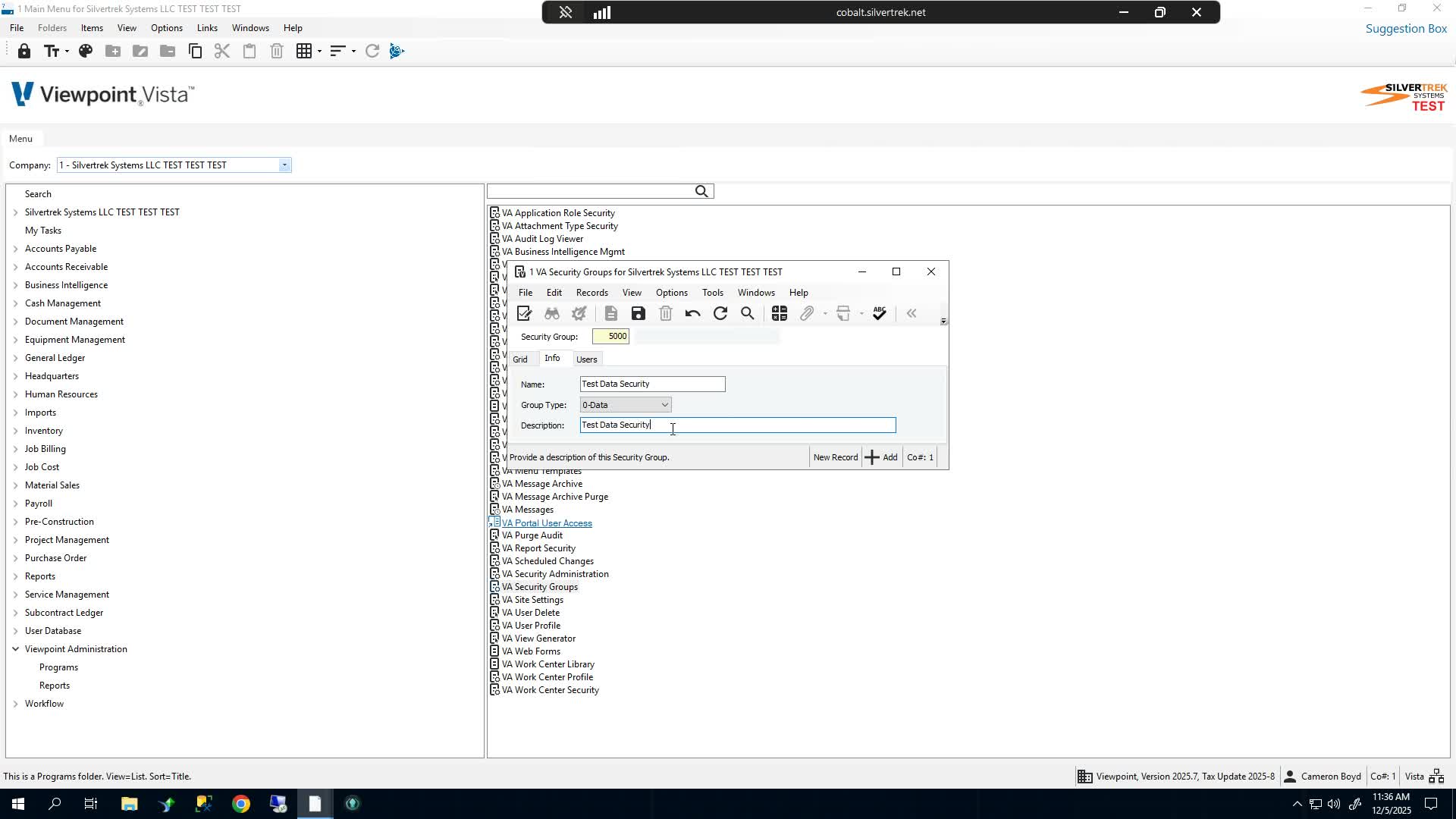
Save the security group to create it in the system.
6. Repeat for Additional Groups 1:29
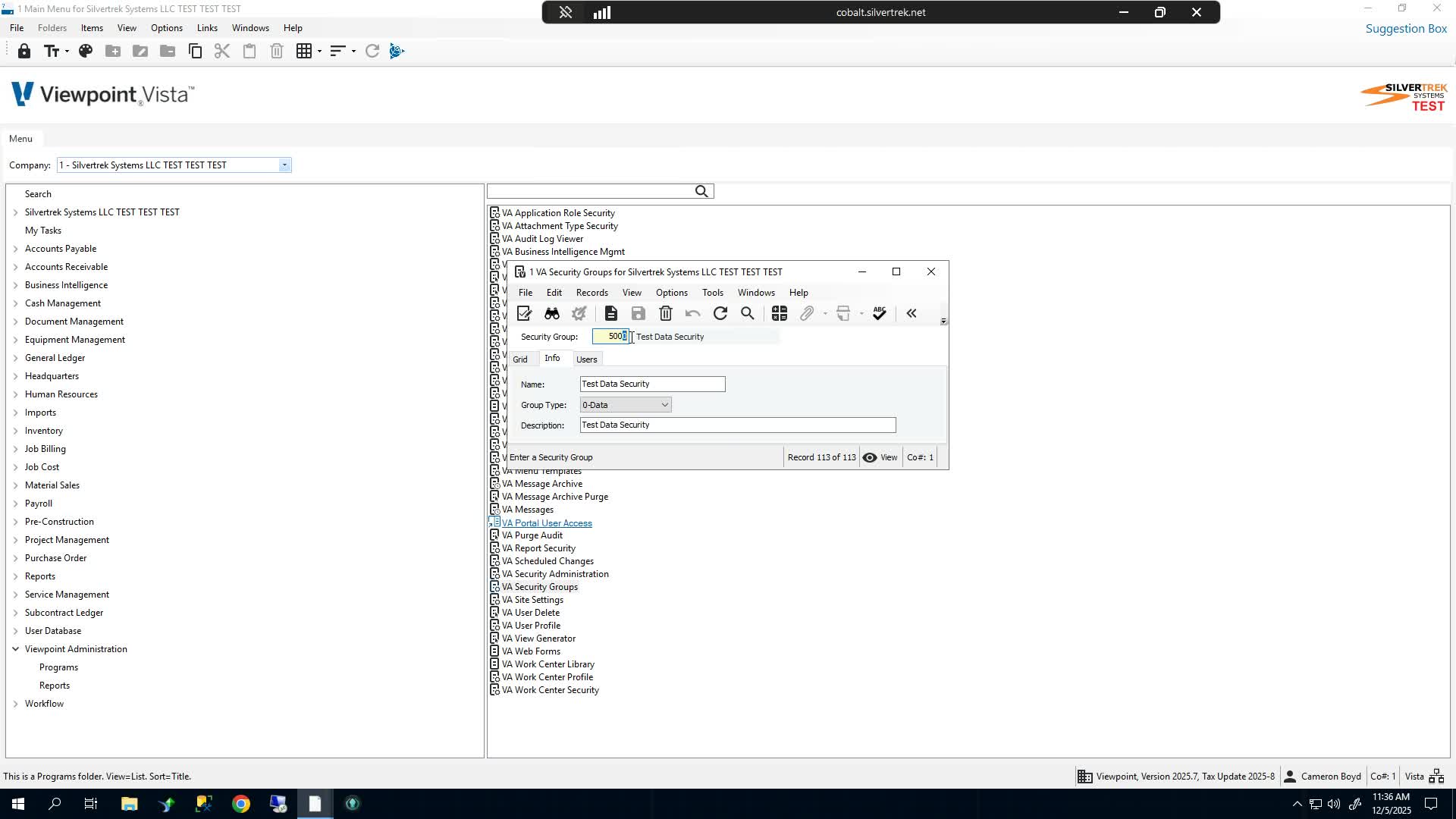
Repeat steps 3 to 5 to create the remaining three security groups.
Cautionary Notes
Ensure that the security group numbers are unique to avoid conflicts.
Use descriptive names to prevent confusion among team members.
Tips for Efficiency
Consider creating a template for naming and numbering security groups to maintain consistency.
Document the purpose of each security group for future reference.
Link to Loom
Was this article helpful?
That’s Great!
Thank you for your feedback
Sorry! We couldn't be helpful
Thank you for your feedback
Feedback sent
We appreciate your effort and will try to fix the article