HQ Earn Types is used to group payroll earnings codes by how they post to the general ledger. Payroll, Job Cost, and Equipment Management departments use these groups to determine which GL accounts to charge.
1-Go to Headquarters>Programs>HQ Earn Types
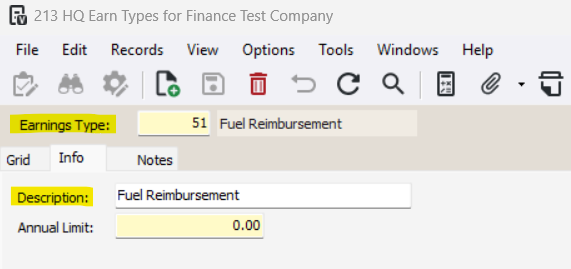
2-Enter a Earnings Type code (0-9999) and a Description (30 characters)
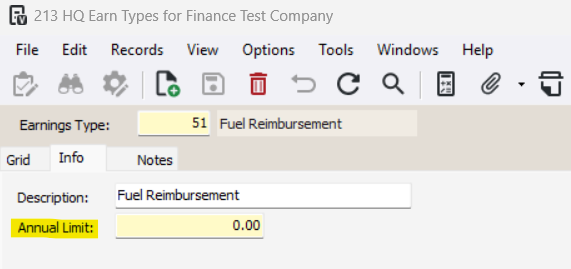
3-Enter the Annual Limit, if applicable. If there is no limit, leave the amount at $0.
Was this article helpful?
That’s Great!
Thank you for your feedback
Sorry! We couldn't be helpful
Thank you for your feedback
Feedback sent
We appreciate your effort and will try to fix the article