An overflow document is an additional page that prints when there are more invoices or payment details than can fit on the check stub. It lists the remaining invoice details associated with that payment so the vendor has a complete record of what the check is paying.
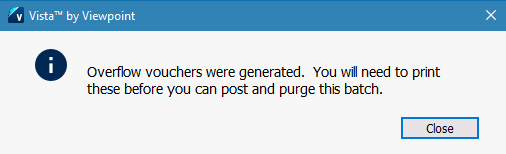

How to Print Overflow Vouchers:
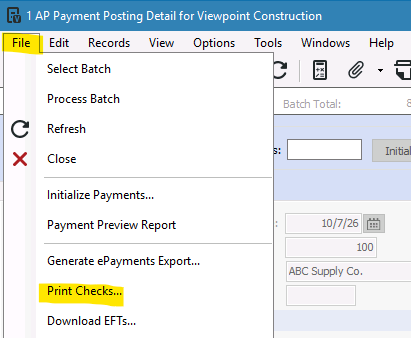
1- Go to File>Print Checks
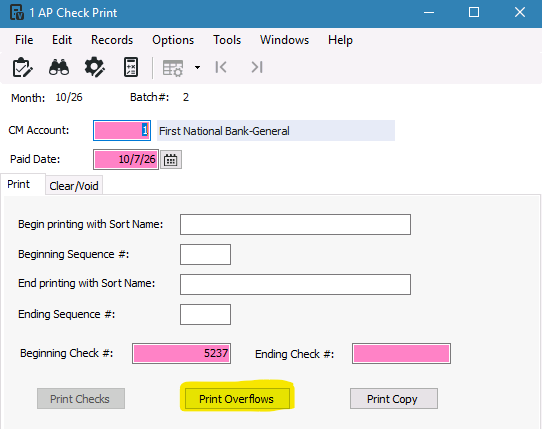
2-Press 'Print Overflows'
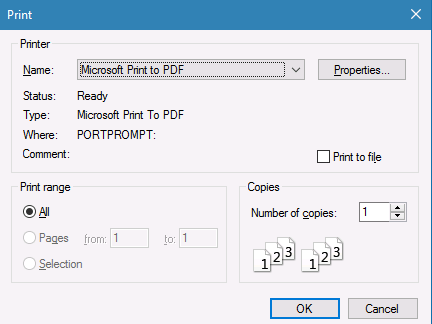
3-Select how you want the overflow stub to be saved and press OK
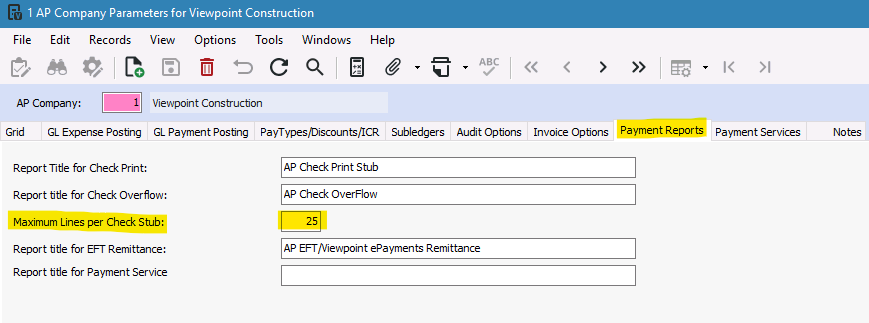
How to Check the Maximum Lines Per Check Stub:
Go to Accounts Payable>Programs>AP Company Parameters>Payment Reports Tab
Was this article helpful?
That’s Great!
Thank you for your feedback
Sorry! We couldn't be helpful
Thank you for your feedback
Feedback sent
We appreciate your effort and will try to fix the article