A MICR font (Magnetic Ink Character Recognition) is a special font used to print the bank routing and account information at the bottom of checks. Vista requires a MICR font to be installed and configured in order to properly print checks that banks can process.
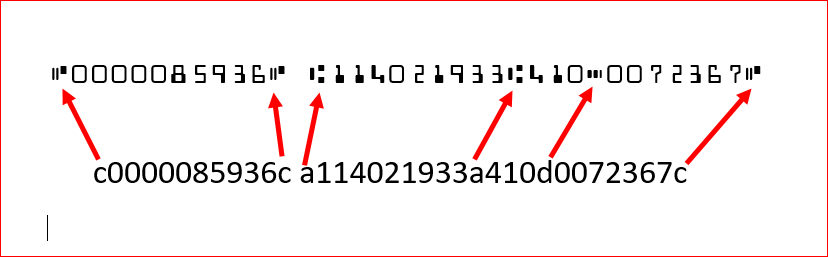
MICR font Download: https://www.1001fonts.com/micr-encoding-font.html
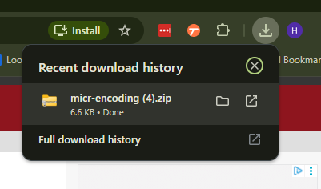
1- Click on link above and press download

2- Press on the download
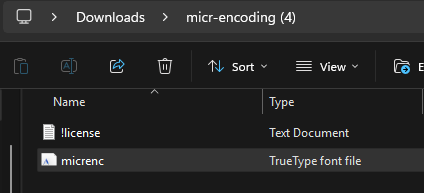
3- Click on the 'micrenc' file
4- Press Install
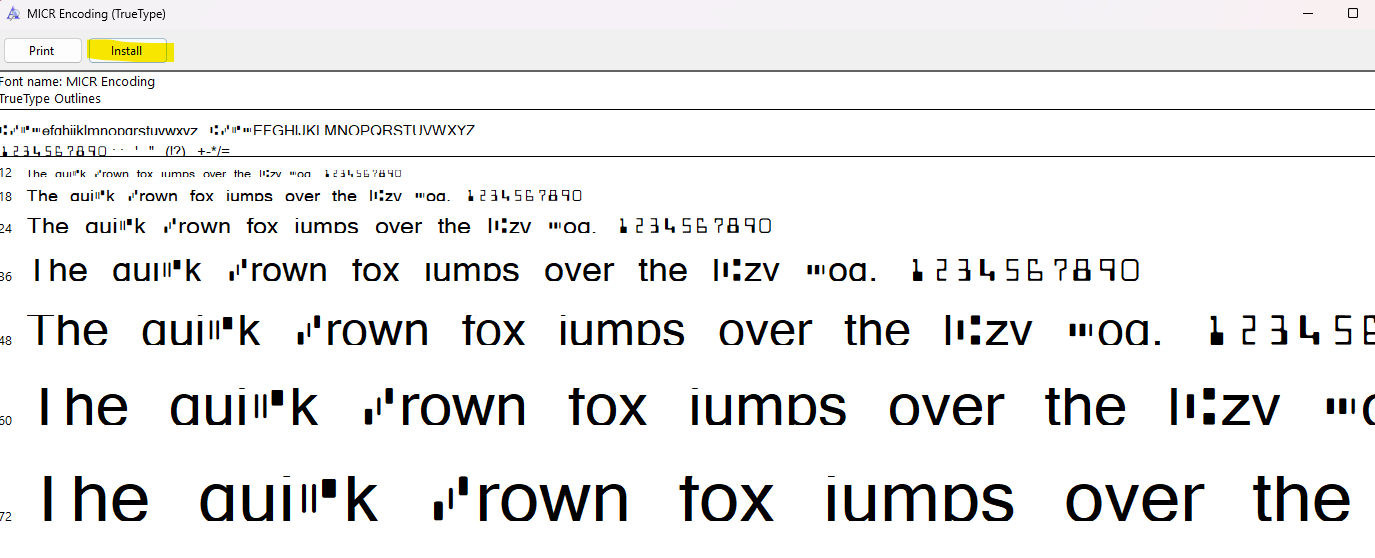
5- Once the file is installed, log out and back into Vista in order for Vista to update.
Was this article helpful?
That’s Great!
Thank you for your feedback
Sorry! We couldn't be helpful
Thank you for your feedback
Feedback sent
We appreciate your effort and will try to fix the article