HQ Material Categories are used to group similar materials together for organization, reporting, and easier material management.
1-Go to Headquarters>Programs>HQ Material Categories
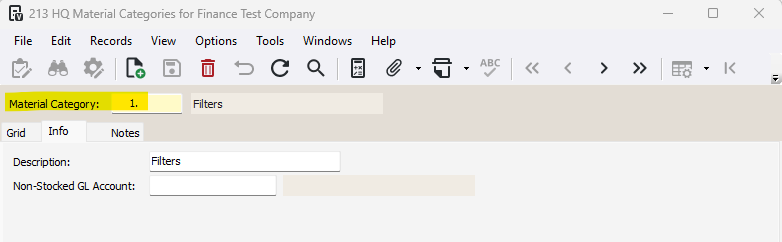
2-Enter a unique Material Category Code
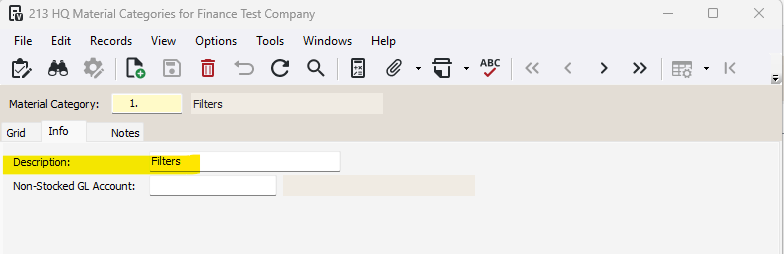
3-Enter a Description for this Material Category
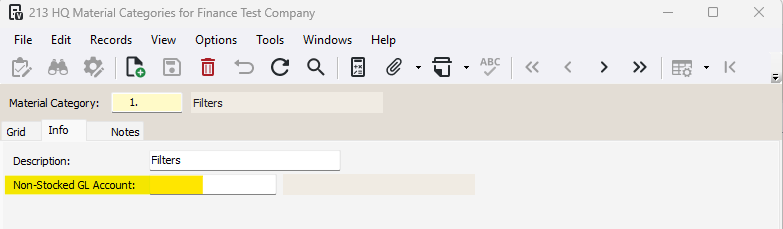
4-Enter the GL Account to debit when non-stocked materials in this category are specified on an expense invoice (in AP Transaction Entry) or to credit when non-stocked materials in this category are posted to a job or equipment.
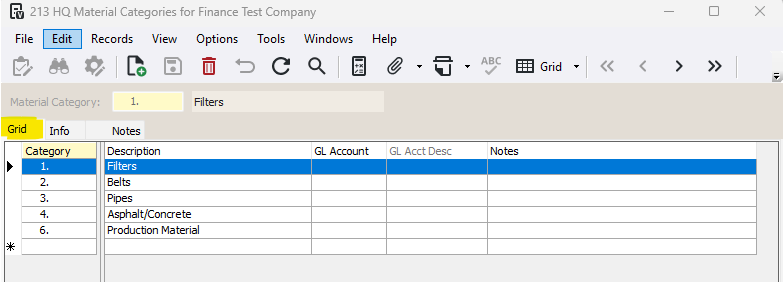
To view all categories, go to the Grid tab
Was this article helpful?
That’s Great!
Thank you for your feedback
Sorry! We couldn't be helpful
Thank you for your feedback
Feedback sent
We appreciate your effort and will try to fix the article