The AR Exclude From Finance Charge program allows you to exclude specific customer invoices from finance charge calculations.
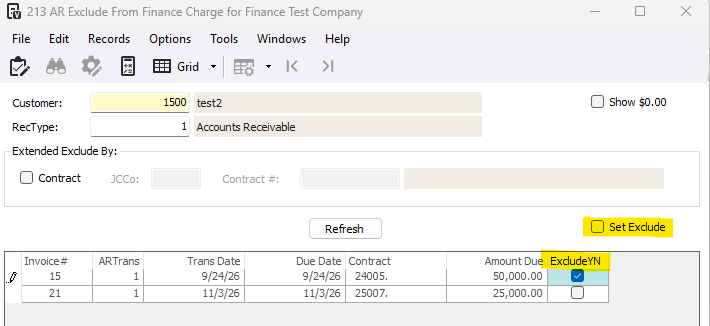
1-Go to Accounts Receivable>Programs>AR Exclude From Finance Charge
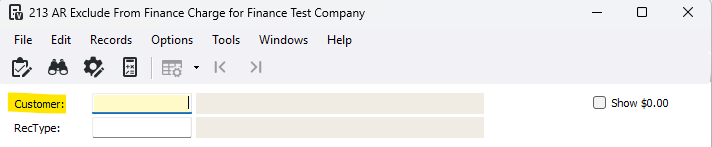
2-Enter or press F4 to select the customer
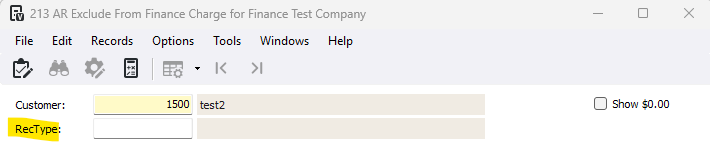
3-**Optional** Enter or press F4 to select the RecType (receivable type)
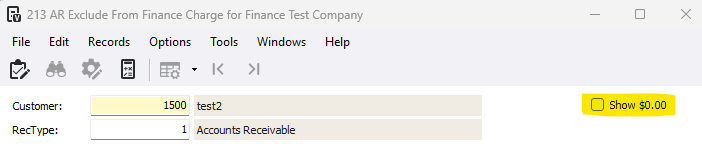
4-**Optional** Check the Show $0.00 checkbox to include invoices with a zero balance
5-**Optional** If you want to exclude by contract, check the Contract checkbox and enter or press F4 to select the JCCo and Contract number.

6-Press Refresh
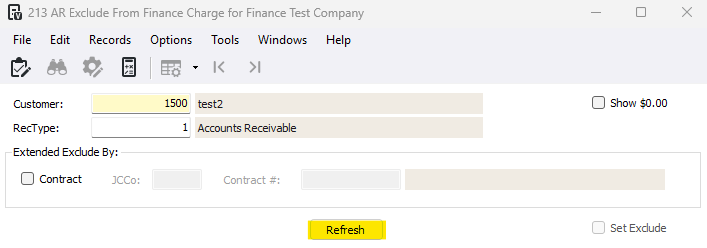
7-Hand select the invoices by checking the ExcludeYN checkbox or check the Set Exclude checkbox to select all invoices that will NOT be included in the finance charge calculation
8-Press the Update button to save the selected invoices to be excluded from finance charge calculations
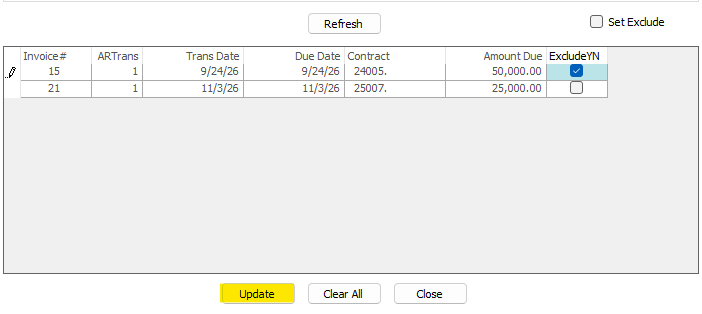
***Press the Clear All button to clear all selected exclusions in the grid

***Press the Close button to exit out without saving your changes

Was this article helpful?
That’s Great!
Thank you for your feedback
Sorry! We couldn't be helpful
Thank you for your feedback
Feedback sent
We appreciate your effort and will try to fix the article