This is to help assist when you need to enter an address sequence to use a different address for the vendor’s printed or electronic 1099.
First make sure that you have the address needed setup in:
Vista> Accounts Payable> Programs> AP Vendors
Enter in the information you need to setup that address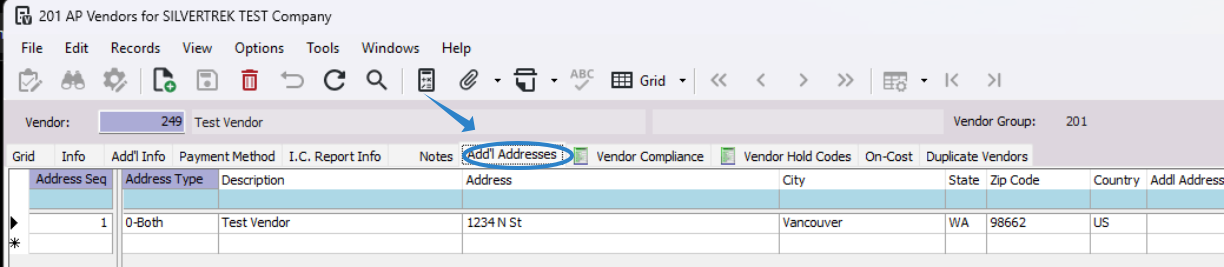
Once this is complete, stay in the AP Vendors Program, but move to the Add'l Info Tab.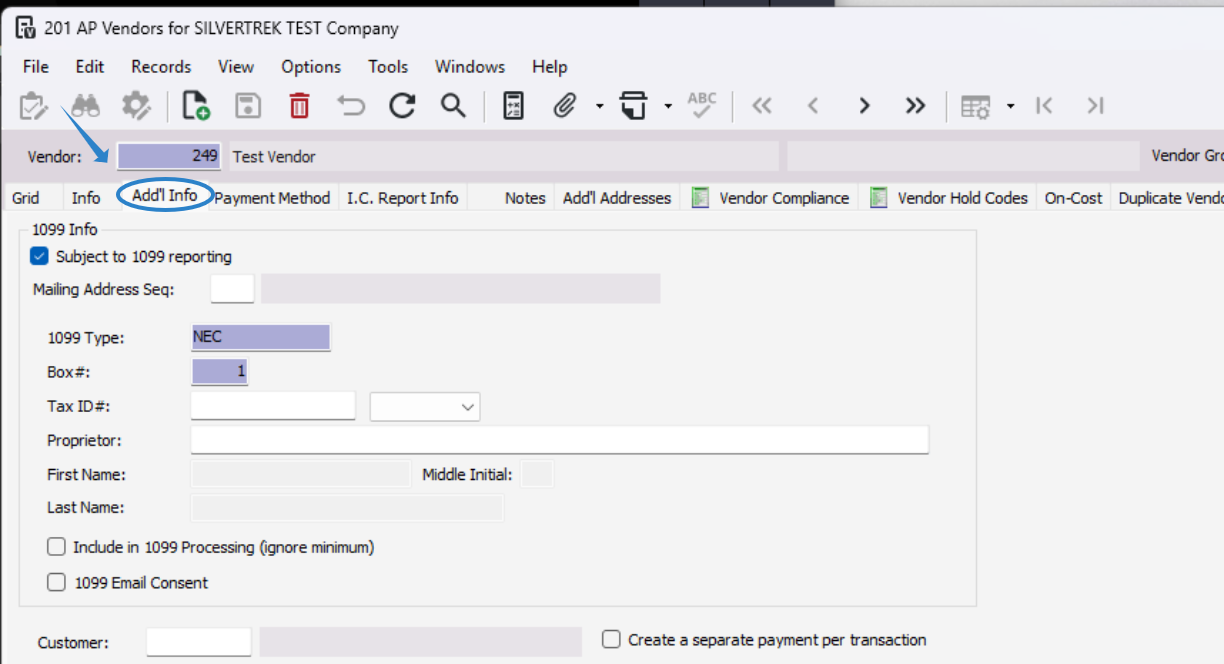
Press F4 to select an address from the Add’l Addresses tab in AP Vendors and select the address.
Select "OK"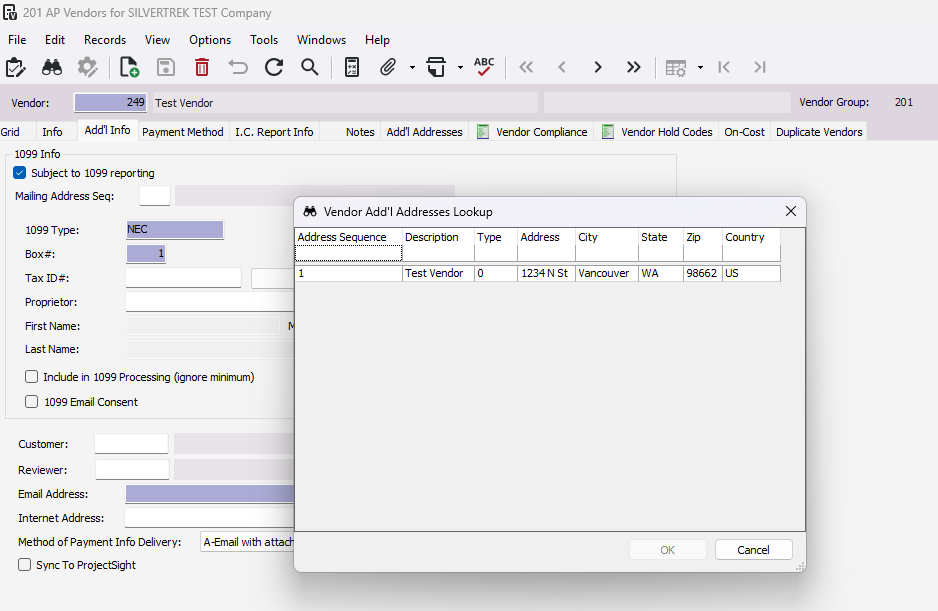
Should look like this, please make sure that everything else needed is filled from there.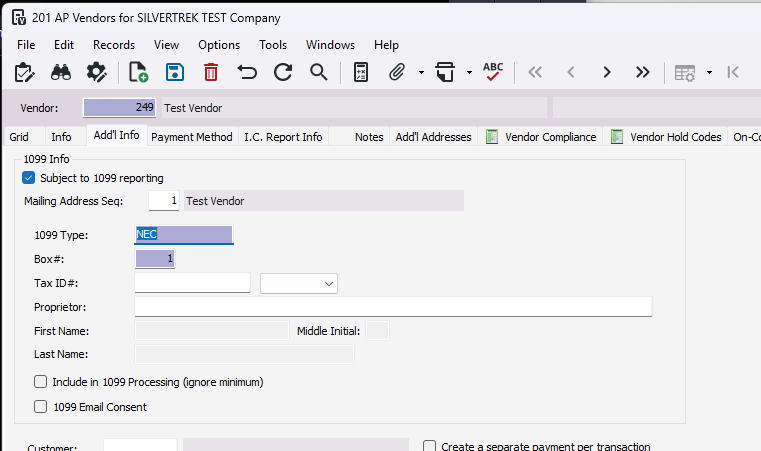
Was this article helpful?
That’s Great!
Thank you for your feedback
Sorry! We couldn't be helpful
Thank you for your feedback
Feedback sent
We appreciate your effort and will try to fix the article