Deleting Posted PO Receipts Entries
If a PO Receipts Entry Batch or PO Initialize Receipts Batch was posted in error, you can delete the posted entries and re-enter the receipts correctly.
Steps:
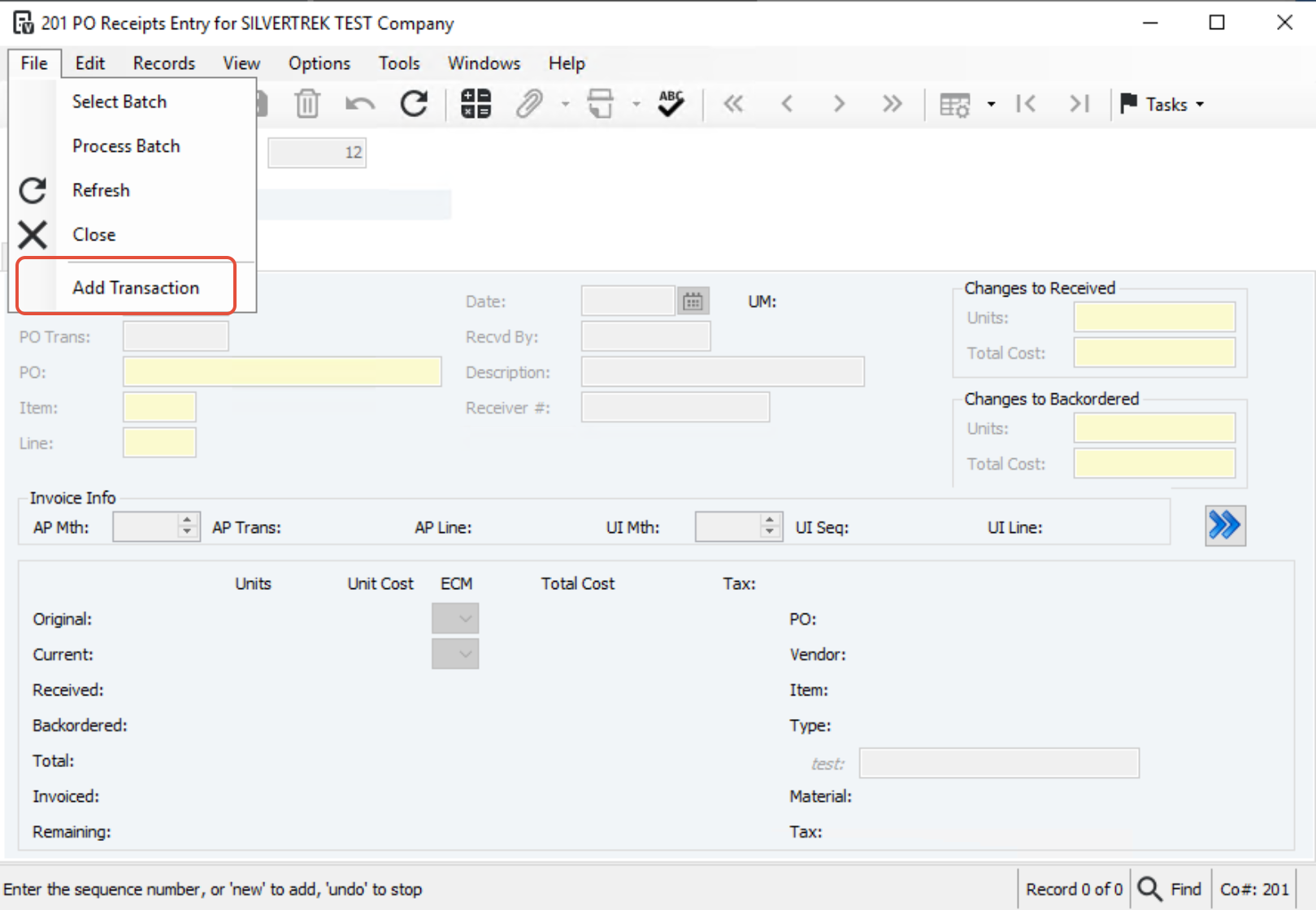
Navigate to Vista → PO Module → PO Receipts Entry and create a new batch.
Go to File → Add Transaction.
Locate and add the transaction(s) to the new batch.
In the Action dropdown, select Delete, then Save and Post the batch.
Create a new PO Receipts Entry or PO Initialize Receipts batch and enter the receipts correctly.
Was this article helpful?
That’s Great!
Thank you for your feedback
Sorry! We couldn't be helpful
Thank you for your feedback
Feedback sent
We appreciate your effort and will try to fix the article