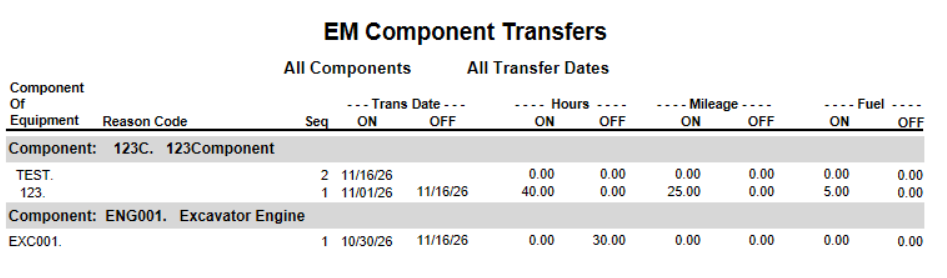
This Report lists by equipment / component the component transfers made during the range of dates selected. This shows date transferred onto the equipment and off of the equipment, hours on / off, miles on / off, and fuels on / off.
1-Go to Equipment Management>Reports>EM Component Transfers
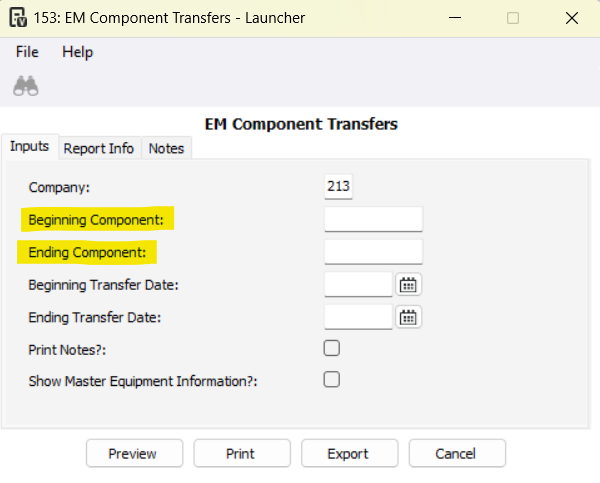
2-Optional: Filter the report by Beginning/Ending Components
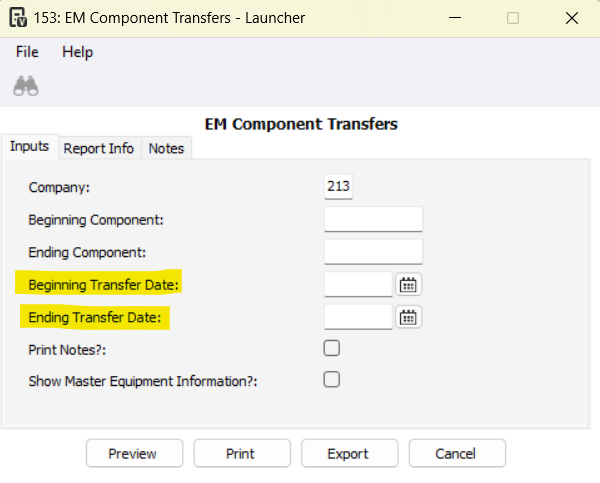
3-Optional: Filter by Beginning/Ending Transfer Date
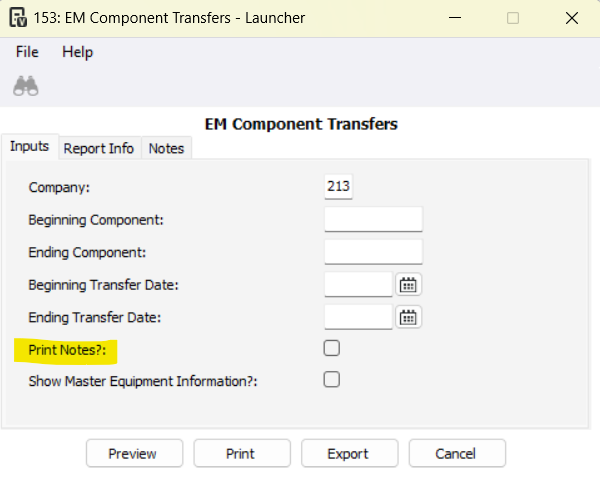
4- Optional: Check the Print Notes? checkbox to view any notes made on the EM Component Transfers Program
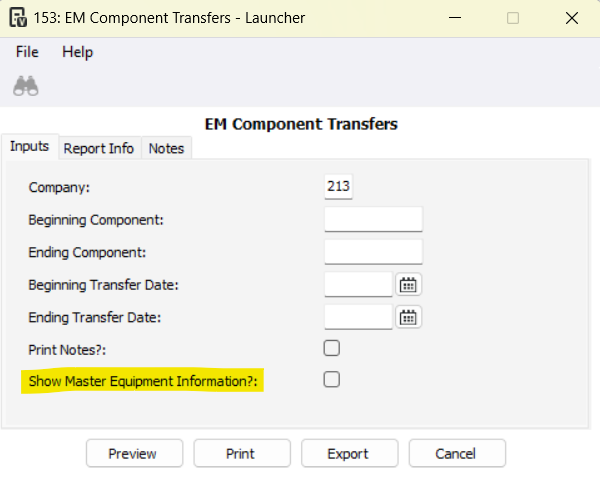
5- Optional: Check the Show Master Equipment Information? checkbox
6-Press Preview to pull the report
Was this article helpful?
That’s Great!
Thank you for your feedback
Sorry! We couldn't be helpful
Thank you for your feedback
Feedback sent
We appreciate your effort and will try to fix the article