Creating SM Call Types in Service Management Module
Objective
This SOP outlines the steps to create and manage SM Call Types within the Service Management Module, ensuring clarity and consistency in categorizing service calls.
Key Steps
Accessing SM Call Types 0:00
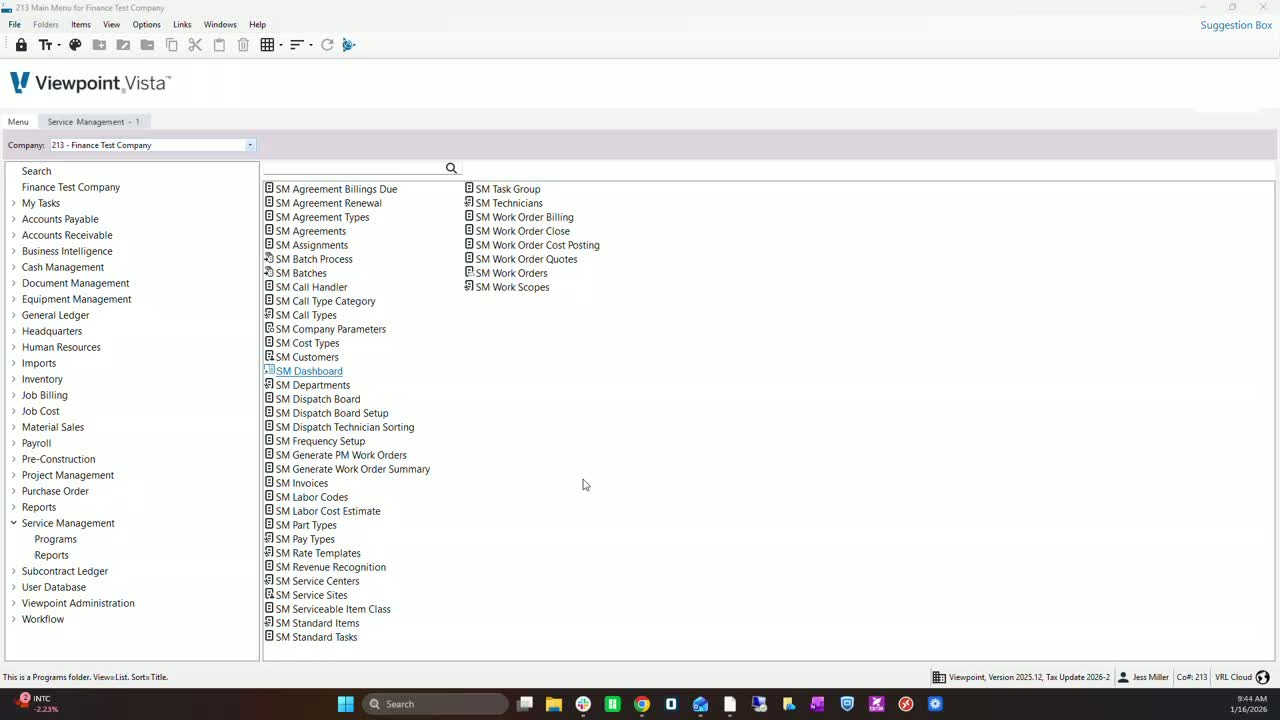
Navigate to the Service Management Programs.
Select 'SM Call Types' to view existing call types.
Understanding Call Type Categories 0:16
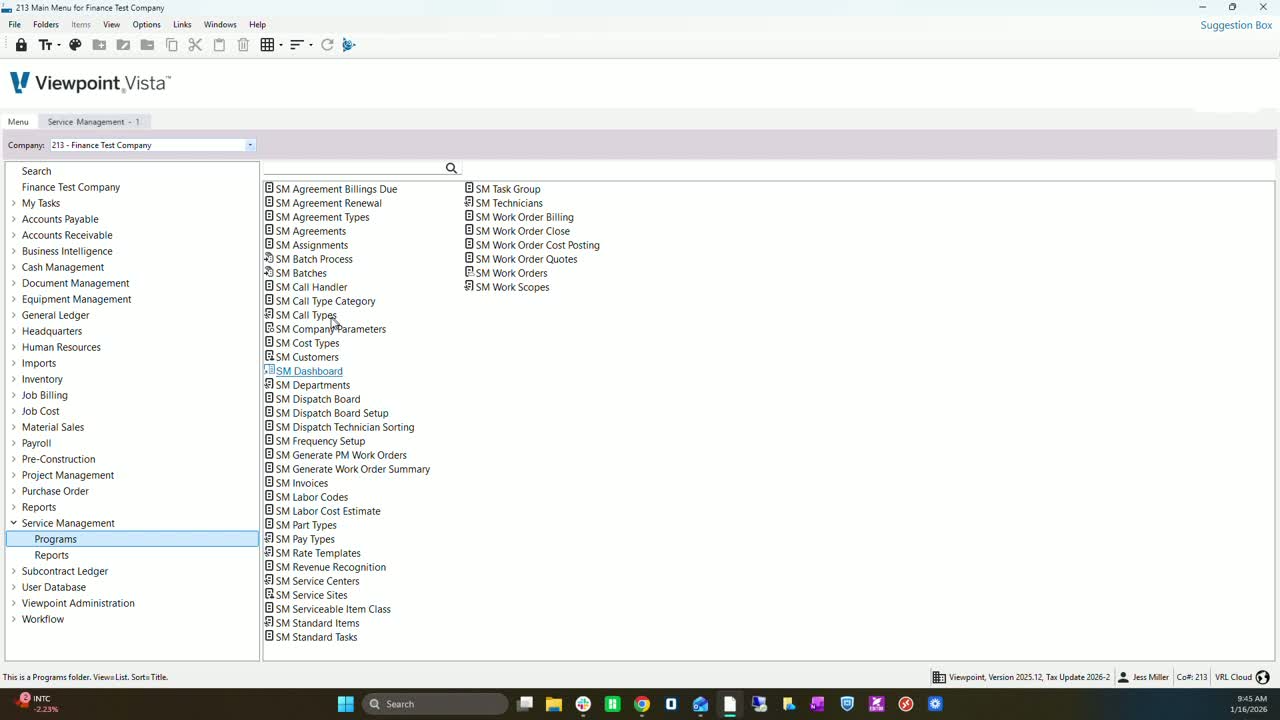
Note that 'SM Call Type Category' is a different section.
Familiarize yourself with the distinction between call types and categories.
Creating a Call Type 0:30
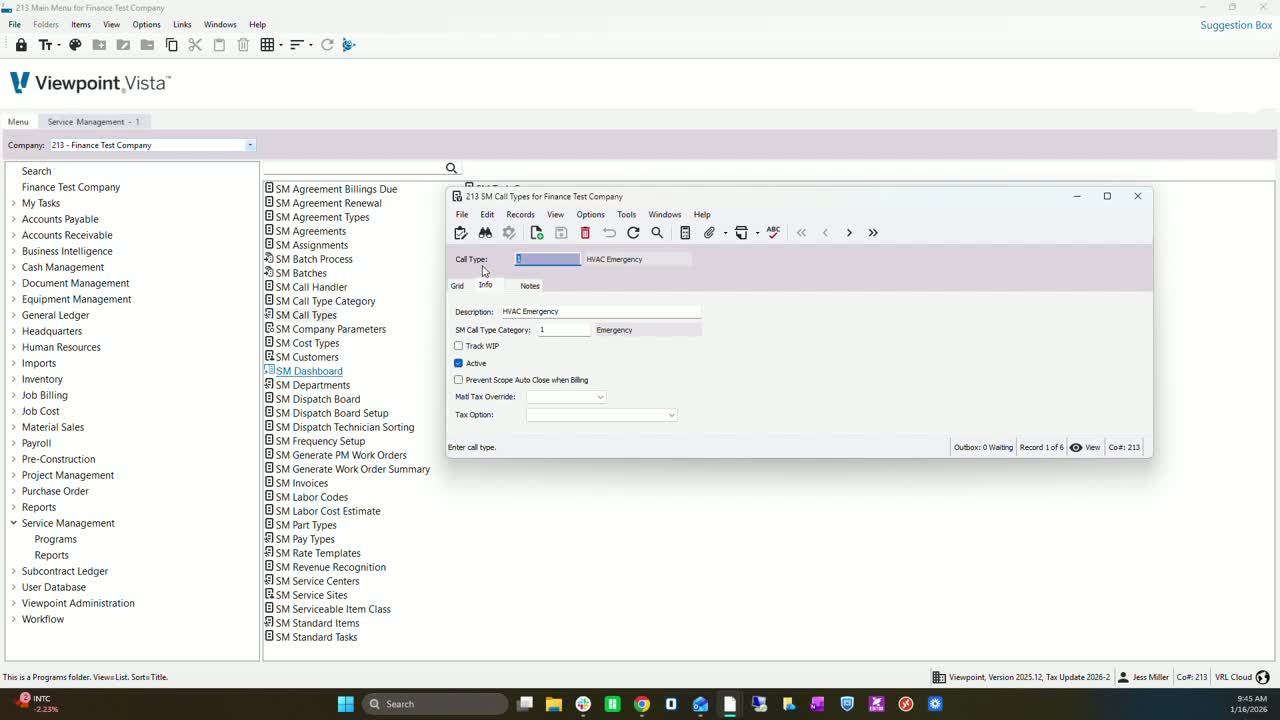
Choose a meaningful name for the call type (e.g., 'AH Service', 'After Hours Service Call').
Consider using a numerical system for standardization.
Adding Descriptions 0:53
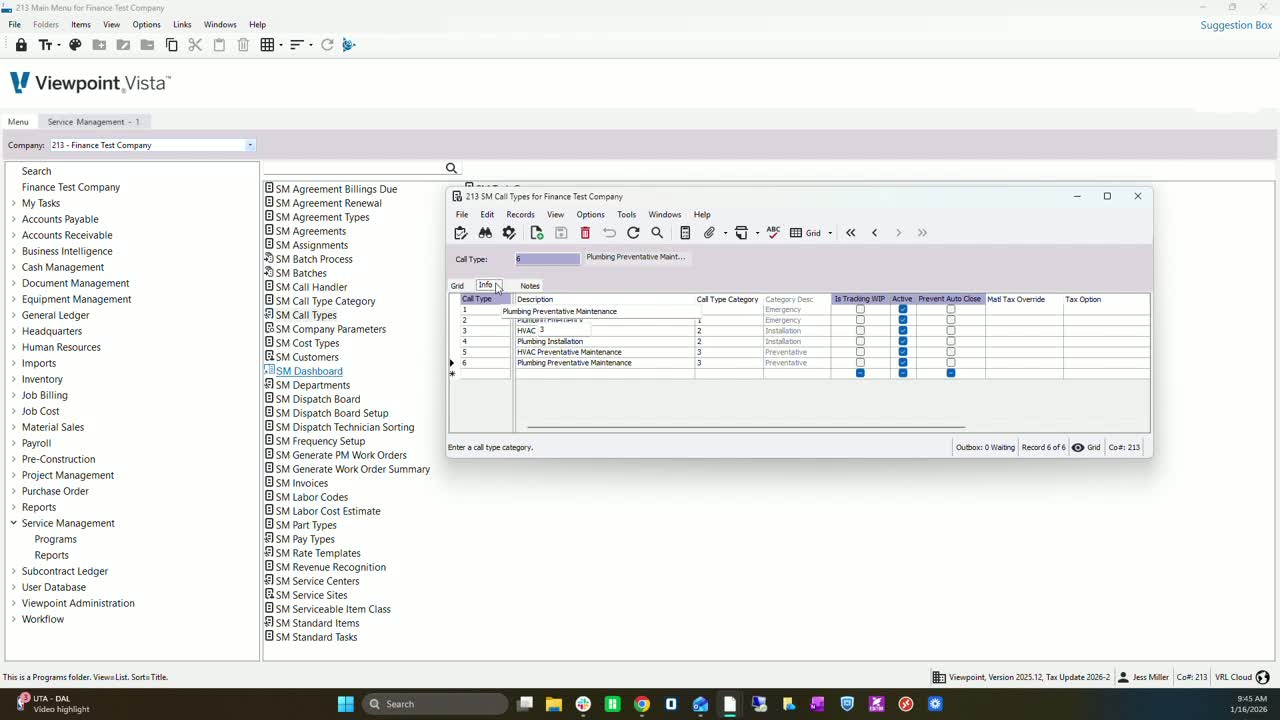
Enter a clear description for the call type (up to 60 characters).
Examples include 'AHVAC emergency', 'plumbing emergency'.
Selecting Call Type Category 1:24
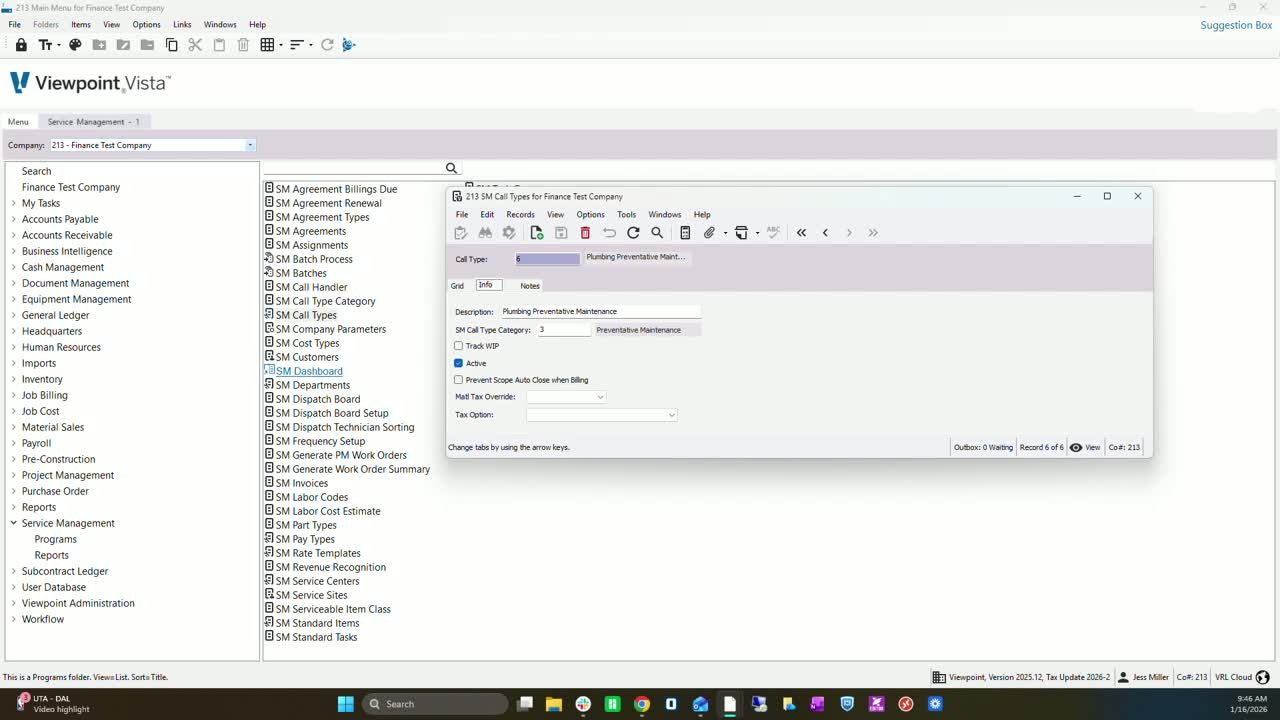
If applicable, select the corresponding call type category to differentiate between departments (e.g., AHVAC, plumbing, electrical).
Tracking Work In Progress (WIP) 2:11
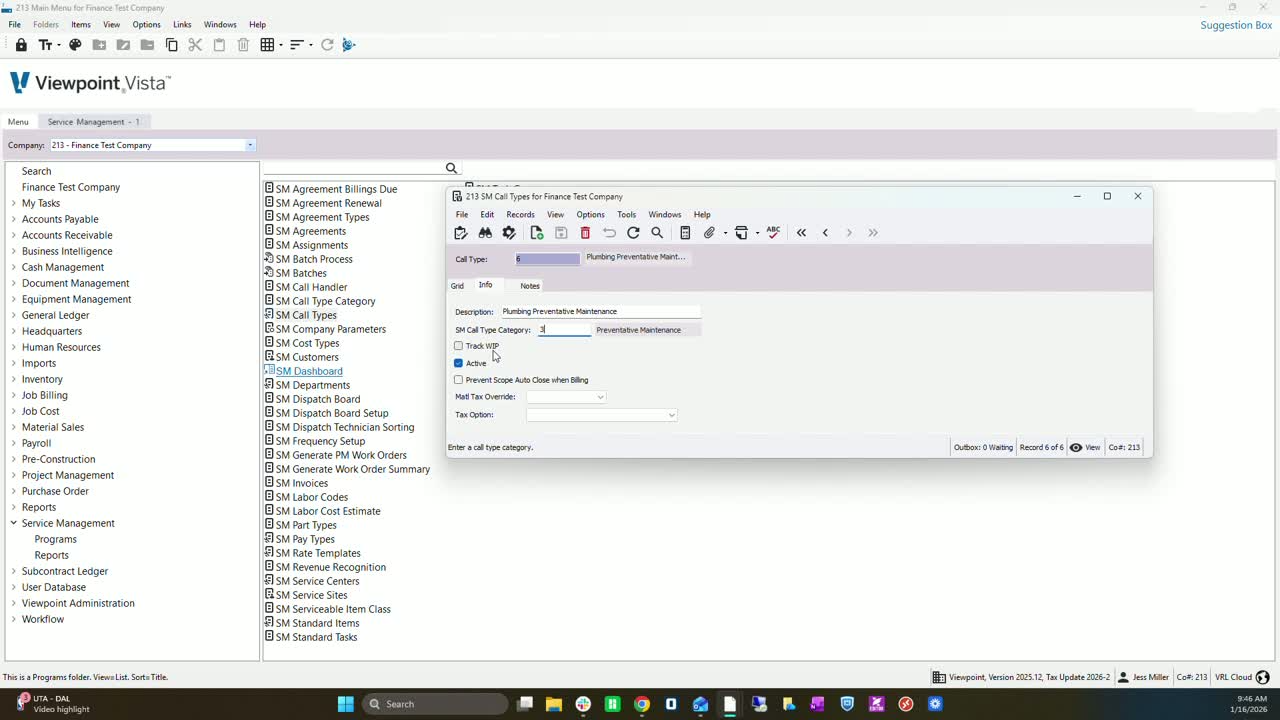
Check the WIP option if you want costs to go to WIP.
Uncheck if you prefer costs to post directly to revenue accounts.
Setting Call Type Activity Status 2:36
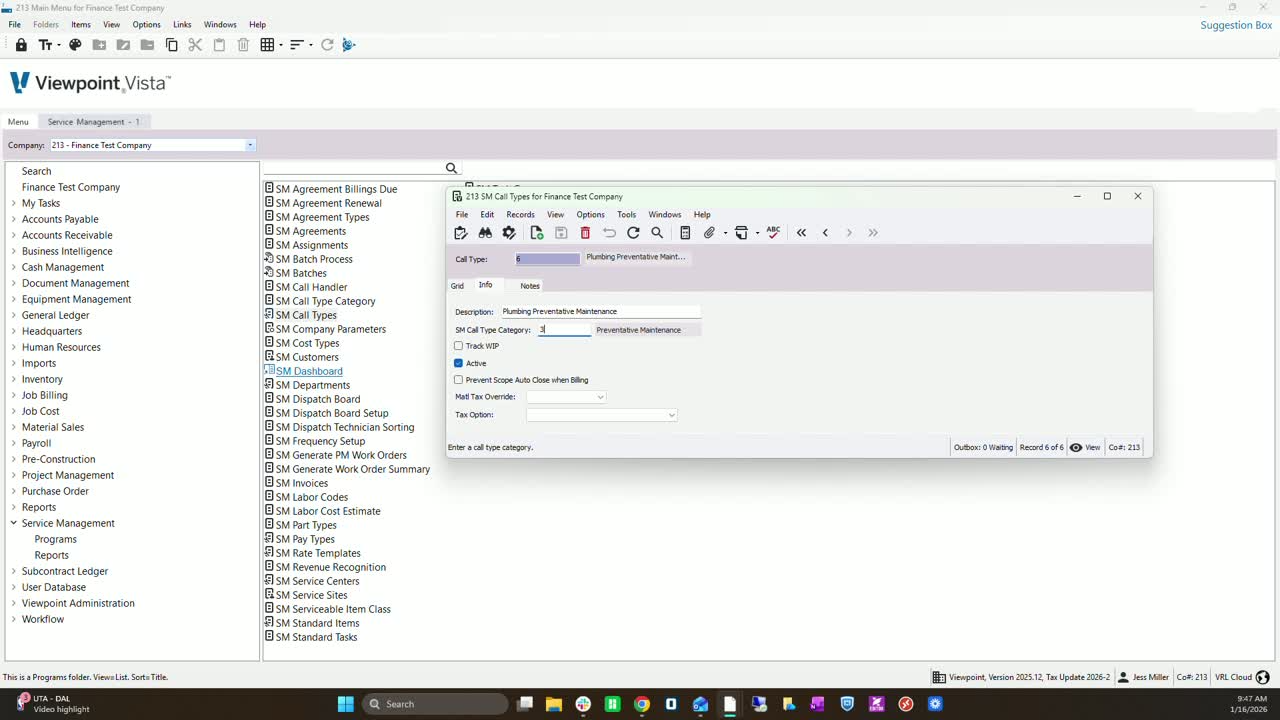
Check 'Active' to make the call type available in service centers and work orders.
Uncheck if you do not want to utilize it.
Managing Scope Auto-Closure 2:46
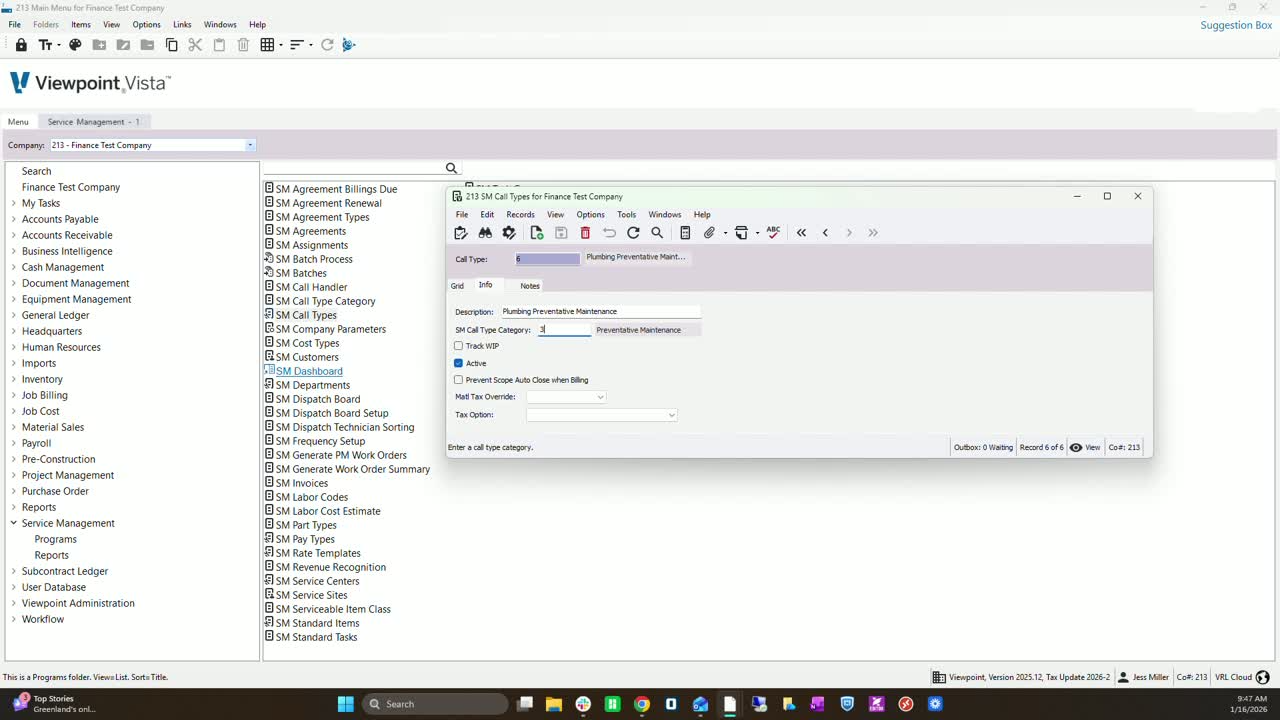
Check to prevent the scope from auto-closing after billing.
Decide based on your workflow whether to keep it open or close it manually.
Material Tax Override Options 3:12
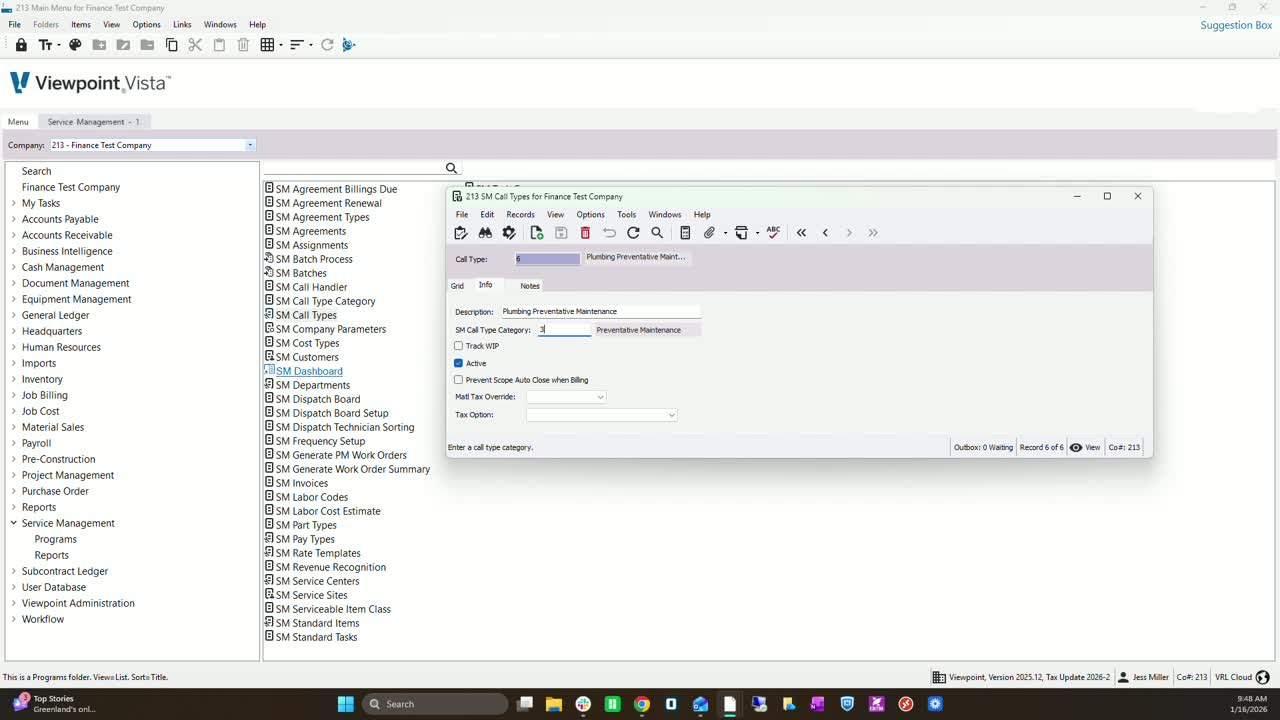
Choose the appropriate tax option for material (e.g., standard tax defaults, no tax, sales tax only).
Understanding Tax Options 3:52
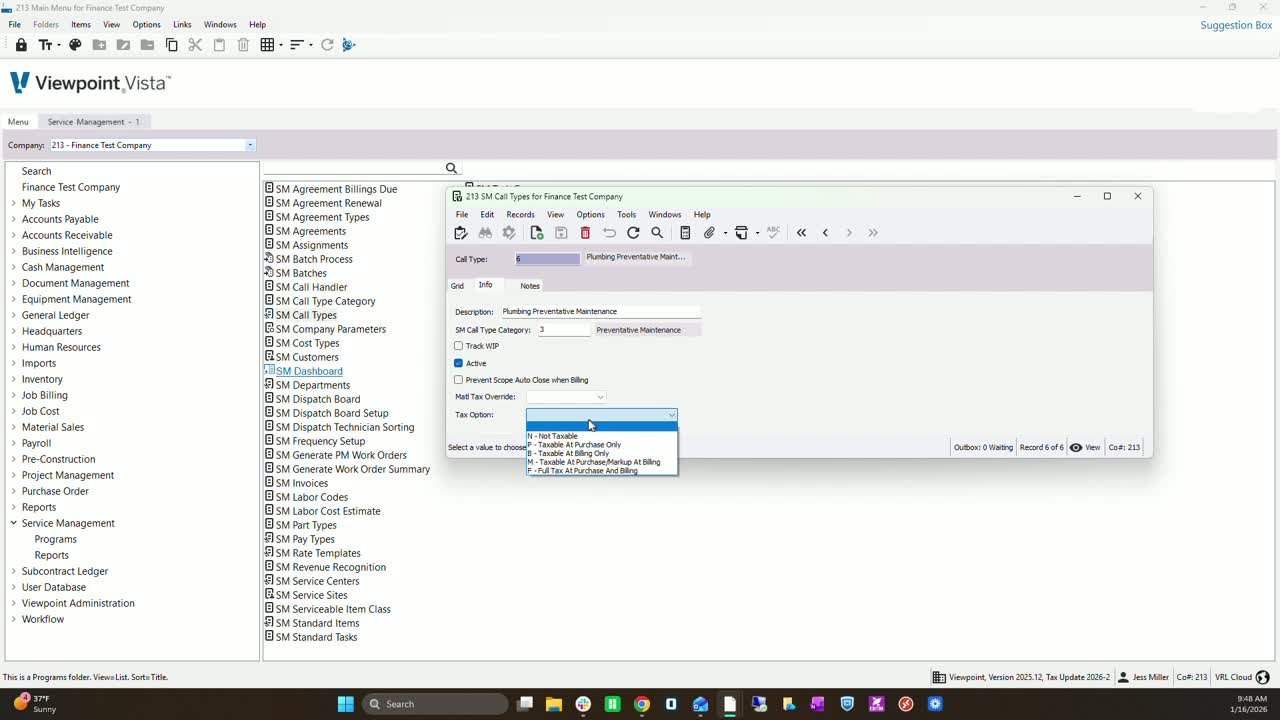
Familiarize yourself with various tax options:
Not taxable
Taxable at purchase only
Billing only
Tax at purchase, markup tax at billing
Full tax at purchase and billing.
Documenting Changes 4:33
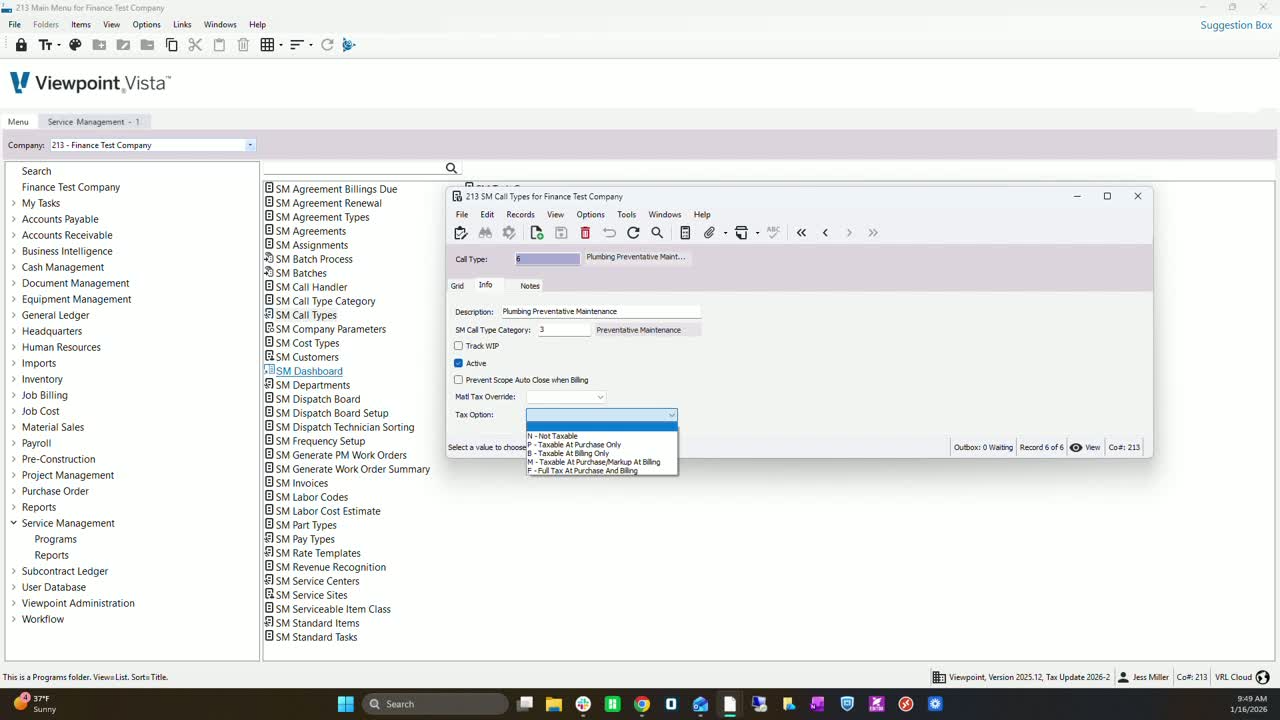
Enter notes for any changes made to call types for future reference.
This helps maintain clarity and communication among team members.
Cautionary Notes
Ensure that all descriptions are clear and concise to avoid confusion.
Regularly review and update call types to reflect any changes in service offerings.
Tips for Efficiency
Use a consistent naming convention for call types to streamline reporting.
Regularly communicate with team members about any updates or changes to call types.
Link to Loom
Was this article helpful?
That’s Great!
Thank you for your feedback
Sorry! We couldn't be helpful
Thank you for your feedback
Feedback sent
We appreciate your effort and will try to fix the article