Check 1:
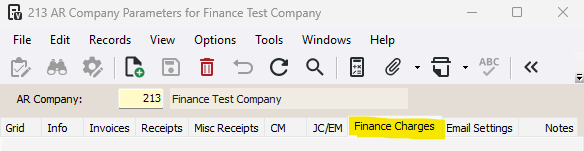
1-Go to Accounts Receivable>Programs>AR Company Parameters
2-Go to the Finance Charges tab
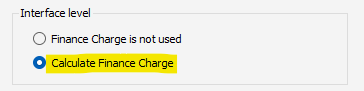
3-Ensure that the Calculate Finance Charge checkbox is checked
4-Ensure the Finance Charge % is higher than 0%
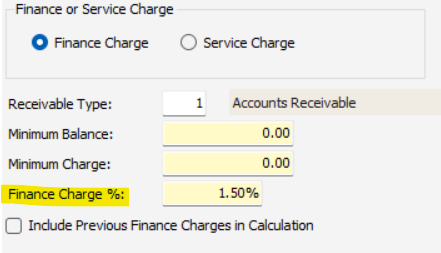
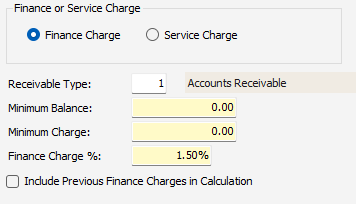
5-Ensure the remaining finance charge settings are correct
Check 2:
1-Go to Accounts Receivable>Programs>AR Customers
2-Select a customer and go to the Add'l Info tab
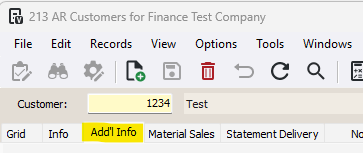
3-In the Finance Charges section, ensure the type is NOT set to N-No Finance Charges

4-Ensure the Finance Charge % is higher than 0%

5-If you are trying to pull in contract invoices, ensure that the Exclude Contract Invoices from Finance Charges is NOT checked

Was this article helpful?
That’s Great!
Thank you for your feedback
Sorry! We couldn't be helpful
Thank you for your feedback
Feedback sent
We appreciate your effort and will try to fix the article