These reports should be viewed for balancing and verifying accuracy.
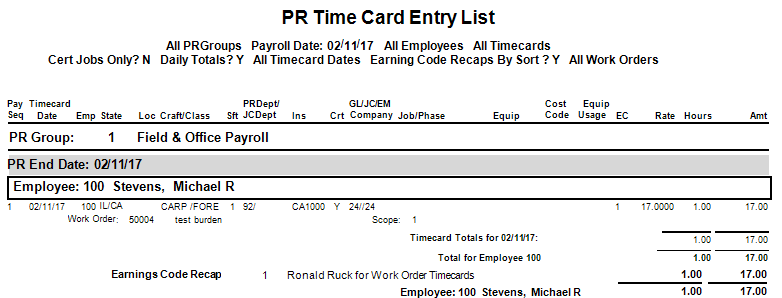
The PR Time Card Entry or PR Time Card Entry Report-Landscape prints one line per posted time card line and should be used for balancing. Great reports to balance hours, make sure jobs, phases, equipment etc. are correct.
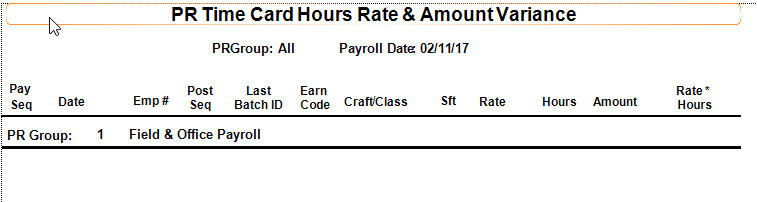
The Time Card Hours Rate Amount Variance Report is used to make sure all timecard lines foot. The rate X hours equals the amount. If the report is blank the time card lines balance.
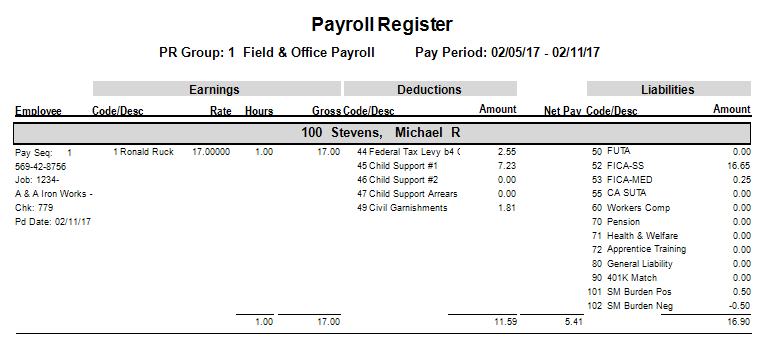
The Payroll Register Report is used to check for errors after processing a pay period and should be run prior to printing checks.
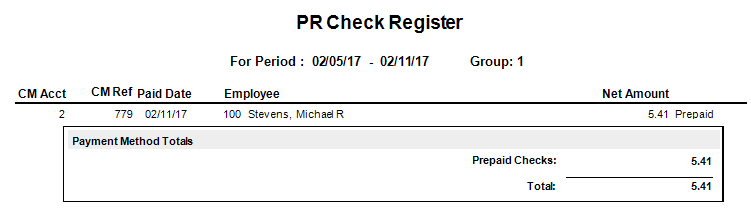
The PR Check Register Report prints the net amount for each employee sequence. If any employee has not been assigned a check or EFT they will appear at the top of the report.
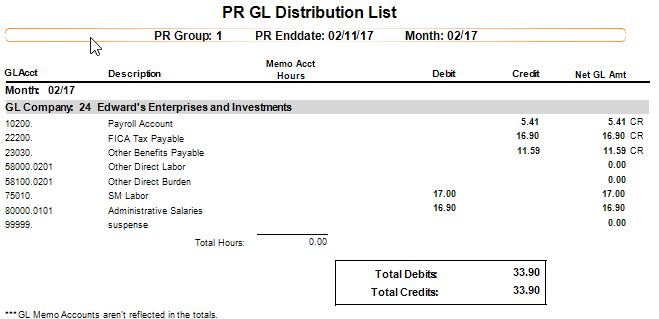
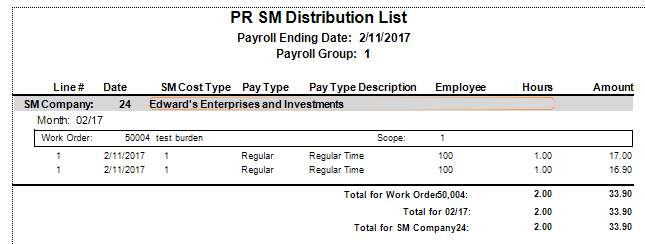
The Ledger Update Audits are generated when you either run the ledger update or close the pay period and run the ledger update. They will show the distribution updating each module you are posting time for. They should be checked for accuracy.
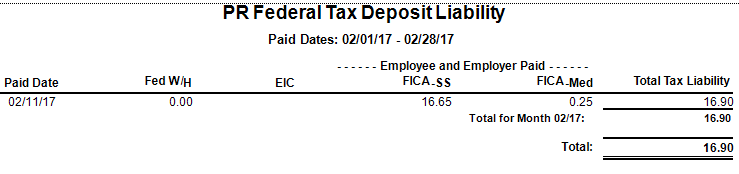
The PR Federal Tax Deposit Liability Report prints total Federal, EIC, Social Security and Medicare amounts in separate columns for each date wages are paid. This is the report you would use to pay taxes.
After payroll is complete, you may also want to run additional reports, such as:
Certified Payroll
Employee Accumulations
Insurance Reports
PR Job/Work Order Report
PR Department Cost Report
Was this article helpful?
That’s Great!
Thank you for your feedback
Sorry! We couldn't be helpful
Thank you for your feedback
Feedback sent
We appreciate your effort and will try to fix the article